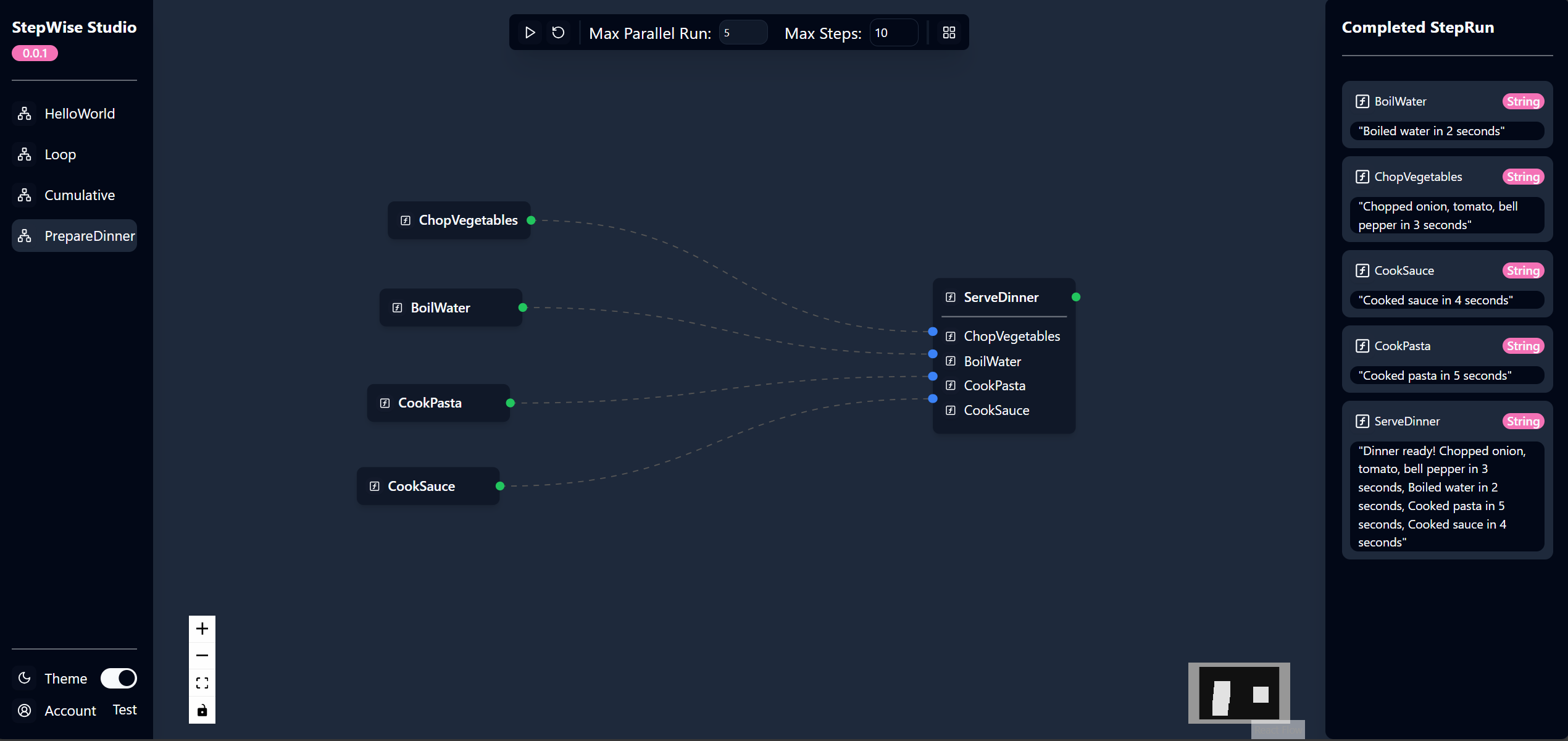
StepWise provides built-in StepWise server and WebUI for visualizing and executing workflows. This allows you to define a workflow in a code-first approach and execute it in a visual way.
To visualize your stepwise workflow, making the following change to your code and run the application:
// Program.cs
var host = Host.CreateDefaultBuilder()
    //.UseEnvironment("Development")
    .ConfigureWebHostDefaults(webBuilder =>
    {
        webBuilder.UseUrls("http://localhost:5123");
    })
    .UseStepWiseServer()
    .Build();

await host.StartAsync();
var stepWiseClient = host.Services.GetRequiredService<StepWiseClient>();
var prepareDinner = new PrepareDinner();
stepWiseClient.AddWorkflow(Workflow.CreateFromInstance(prepareDinner));

// Wait for the host to shutdown
await host.WaitForShutdownAsync();

// class PrepareDinner
The code above creates a StepWise server and adds the PrepareDinner workflow to the server. The server will be hosted on http://localhost:5123. You can visit the URL to see the StepWise UI and execute the workflow.
When you run the application, you will see the following output: